

Assure X pairs your fixed line with a built-in 4G or 5G connection. If the line fails, the router switches over instantly, keeps the same public IP and holds calls up, all managed from the cloud. 4G backup broadband your customers barely notice, sold through Plustel partners.
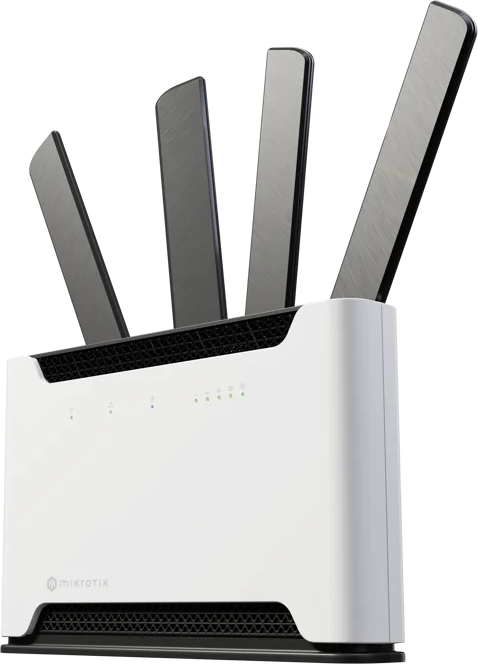
Assure X is a hybrid router with a primary fixed connection and a secondary cellular connection. Its own operating system works with the Assure X cloud platform, which is what makes the switch seamless.
Broadband or leased line carries your traffic day to day, with the data SIM waiting in the router.
The switch is instant and seamless. Even a call on an IP phone stays connected.
The included static public IP stays the same on both connections, so systems and remote access keep working.

Calls stay up, systems stay online and the team carries on while the backup does the work. You can see exactly what happened in the portal afterwards.
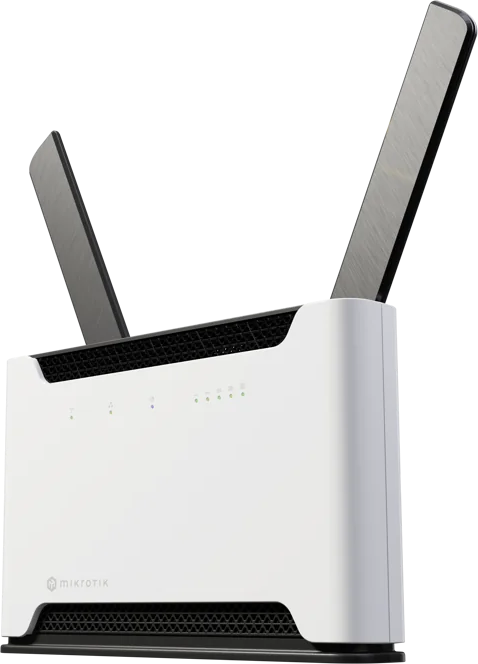
Both models have WiFi 6, a 2.5 Gigabit port and four Gigabit ports, and both run the full Assure X platform.
The data SIM is included in the primary connection’s monthly subscription, so there are no data costs to worry about when the backup is in use.
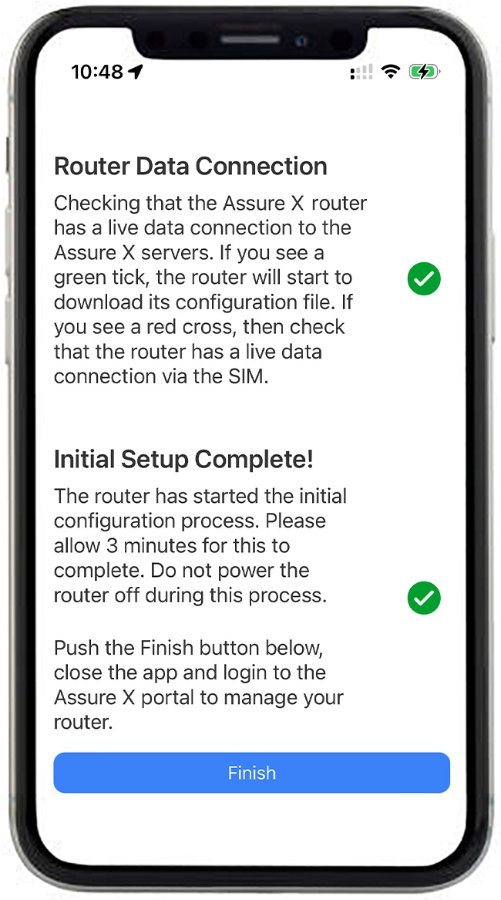
The first setup is done with the Assure X app for iOS and Android. No engineer, no command line.
LAN, WiFi and everyday management all happen in the dedicated Assure X portal, so you can look after every customer’s router remotely and save site visits.
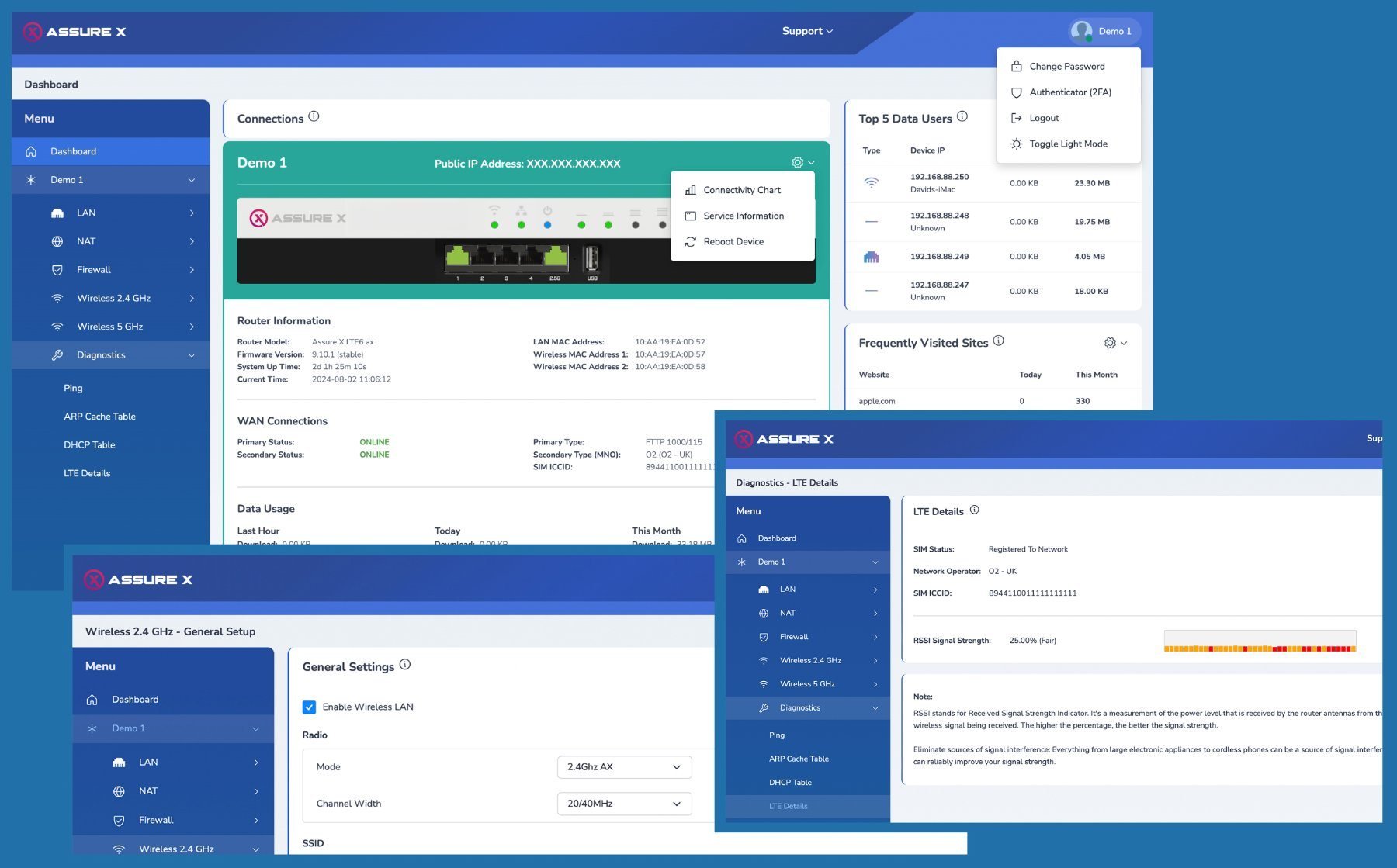

Apart from seamless failover, a public IP that never changes and full cloud management, Assure X shows you how the connection is being used.
Wondering if you need connectivity failover? Read our guide: What is internet failover? A guide to Assure X. For end customers, see our business internet failover page. Reselling it? See how to resell 4G and 5G backup broadband.
Assure X from Plustel is a range of 4G/5G business routers with LTE and 5G connectivity, wireless failover and full remote management.
The router has a primary fixed connection and a secondary cellular data connection. If the primary connection fails, the secondary takes over instantly and seamlessly, so even a call on an IP phone does not drop.
No. Assure X is a complete platform that gives seamless failover, keeps the same public IP address and is managed through a purpose-built cloud portal. To provide it, we need full control over the router and both the primary and secondary connections.
Yes. The included static public IP address stays the same, because it is the same on the primary and secondary connection.
Yes. It is set up with the Assure X app in a few simple steps that take a few minutes. After that, everything is managed in the Assure X cloud portal.
No. The data SIM is included in the primary connection’s monthly subscription, and there are no data costs if the primary connection fails.
The range includes the Assure X LTE6 ax and the Assure X 5G ax.
Yes. Both models have dual-band WiFi 6 (2.4 GHz and 5 GHz).
The LTE6 ax model supports LTE Category 6. The 5G ax model supports LTE Category 20 and 5G, in both NSA and SA modes.
Both models have four 10/100/1000 Ethernet ports and one 2.5G Ethernet port.
No. Assure X switches over instantly and seamlessly, so even a call on an IP phone stays connected while the 4G or 5G backup takes over.
Yes. Assure X is sold only through Plustel partners as 4G and 5G backup broadband, managed from the Assure X cloud portal. See our backup broadband reseller guide.
Product news, price updates and webinar invites for Plustel partners.